Pick the right quality
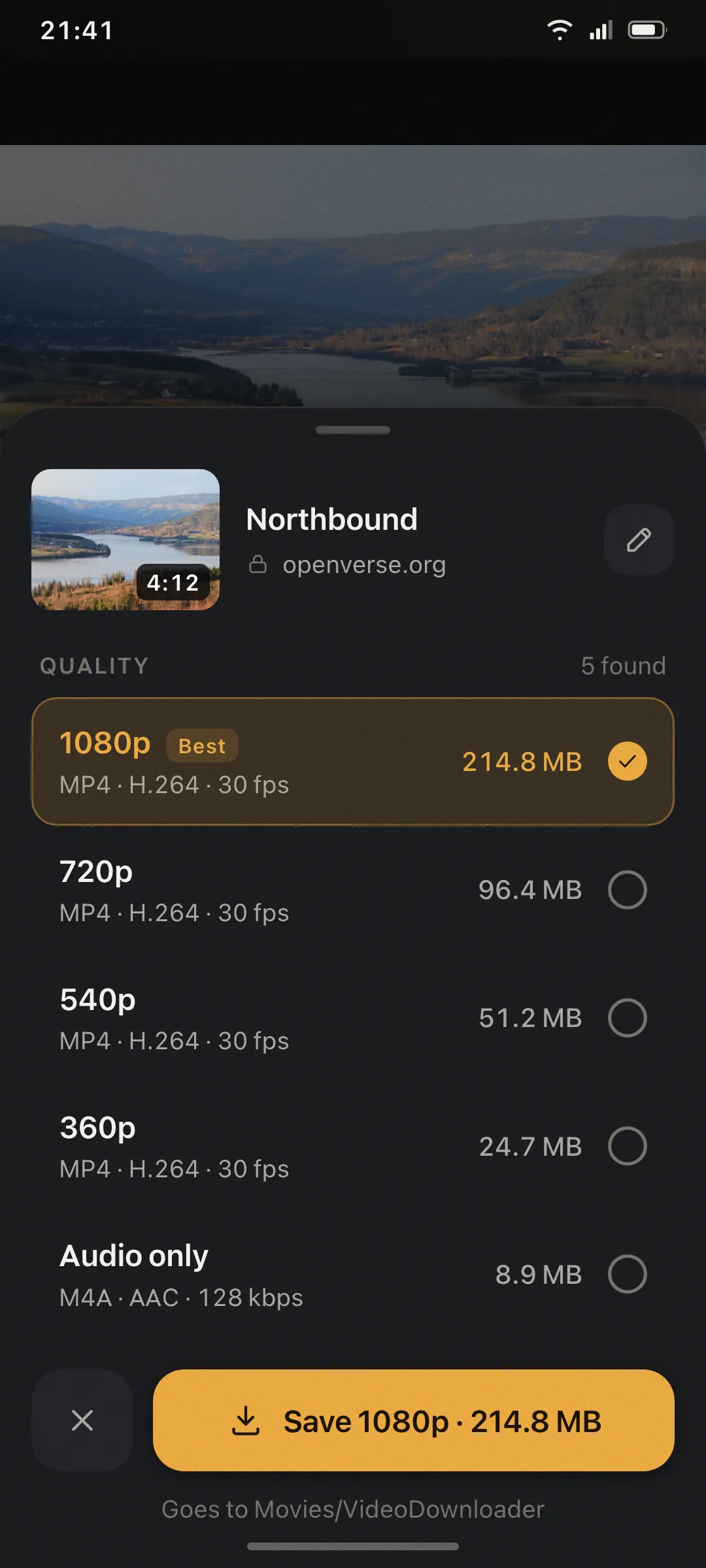
Compare format, resolution, and file size before the download starts.
Browse the web, detect available media, choose a quality, and keep permitted files on your phone.
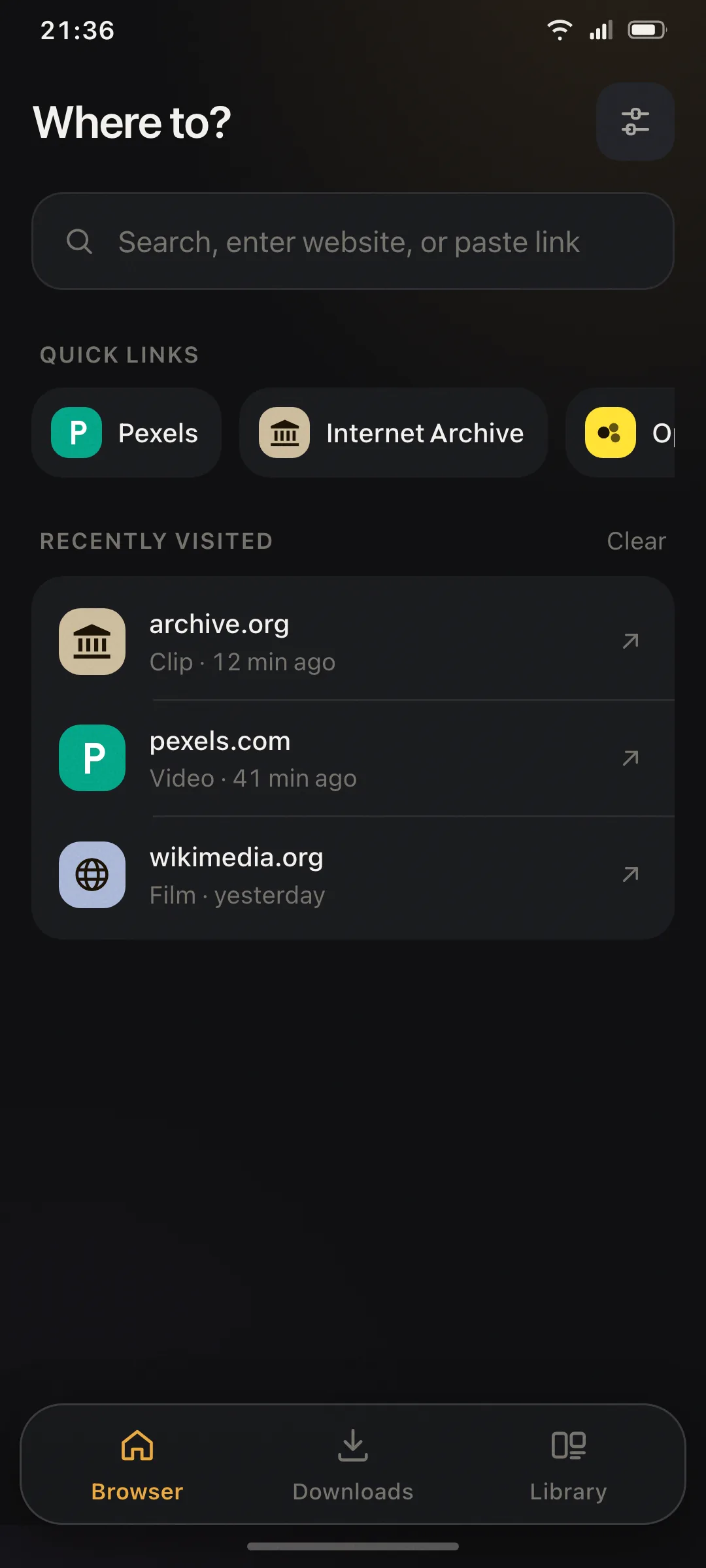
No accountStart browsing immediately
Your choiceReview quality and size first
Background readyPause and resume downloads
On your phoneOrganize and play offline
From page to file
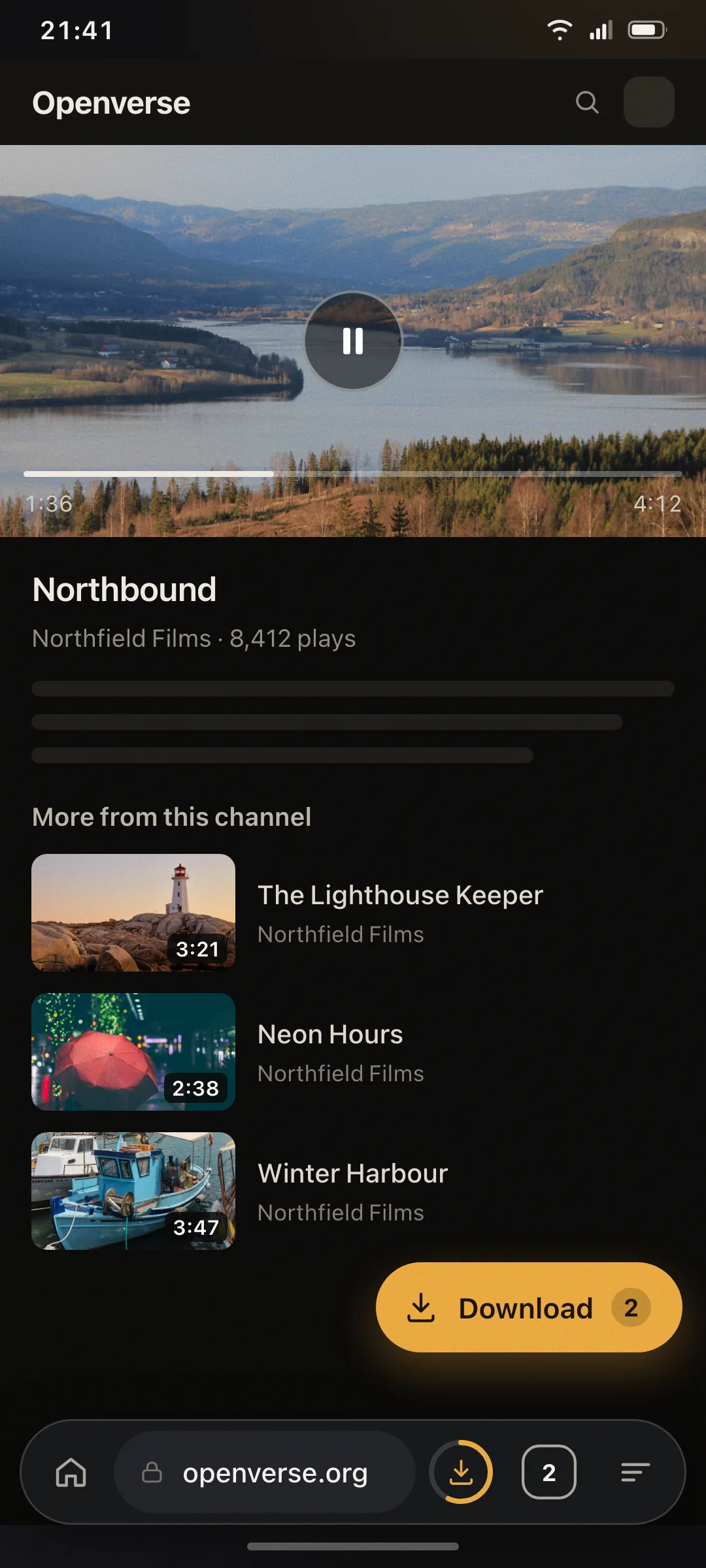
Open a page and play the media. When the app finds downloadable resources, it brings the action into reach.
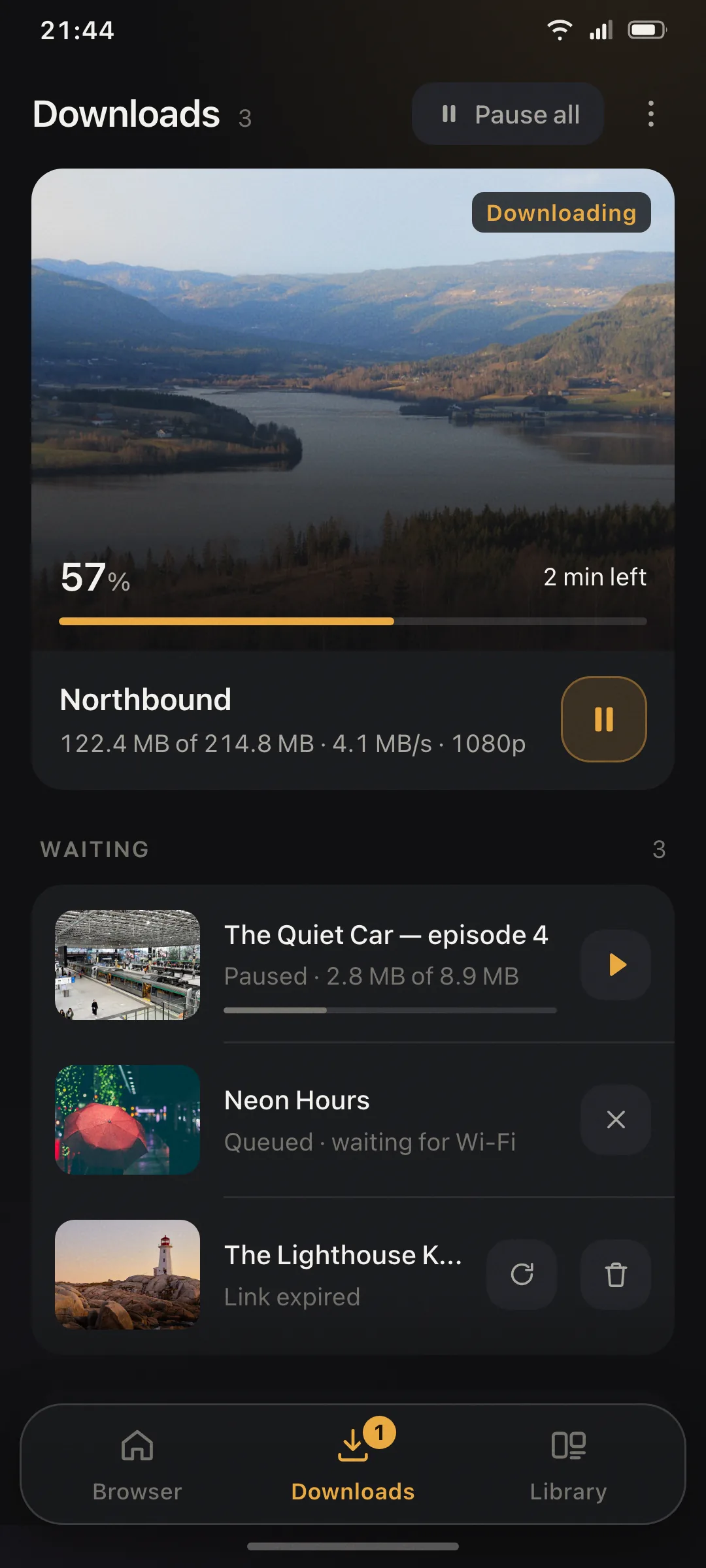
See every available size before saving, then let the queue continue while you use another app.
Compare format, resolution, and file size before the download starts.
Track progress, pause, resume, retry, or wait for Wi-Fi from one queue.
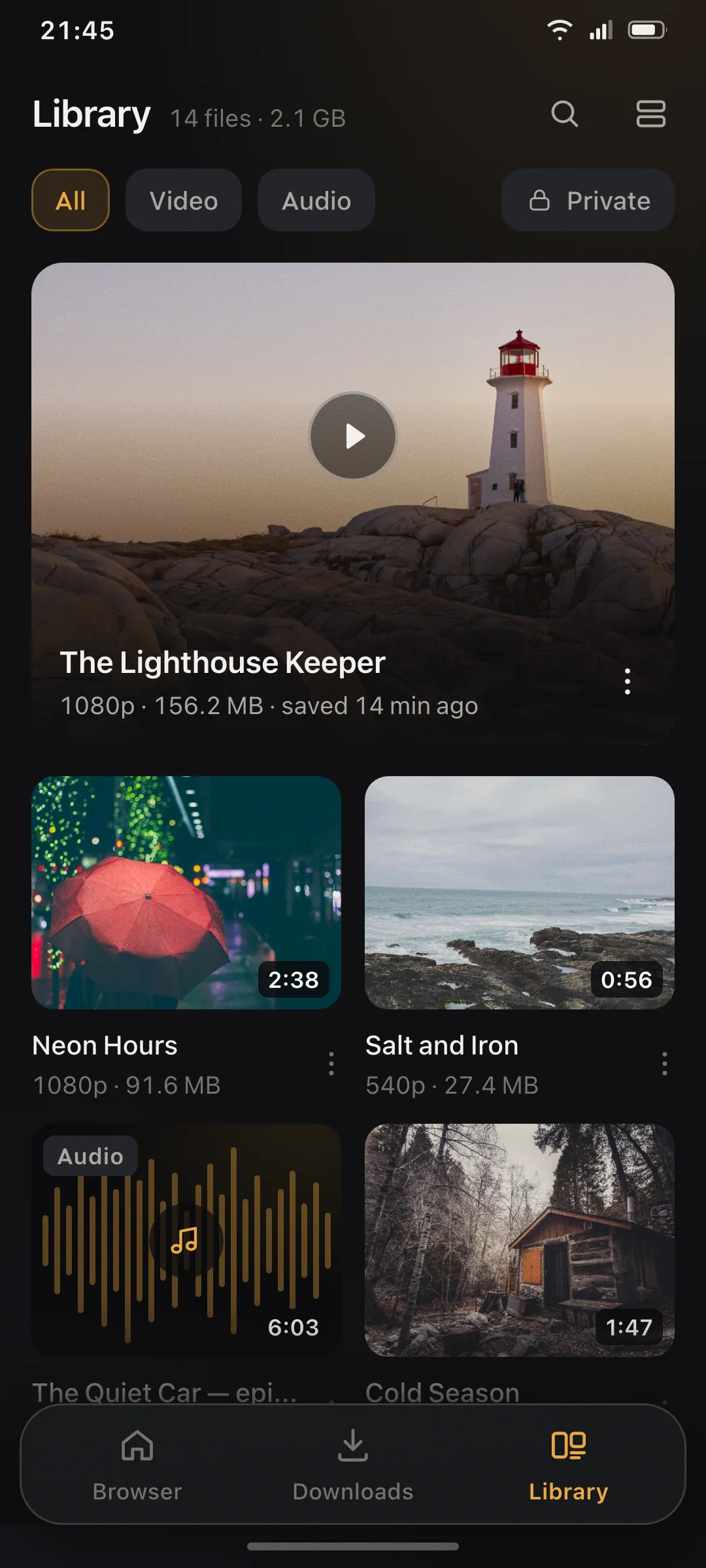
Search, sort, share, rename, and play completed files without leaving the app.
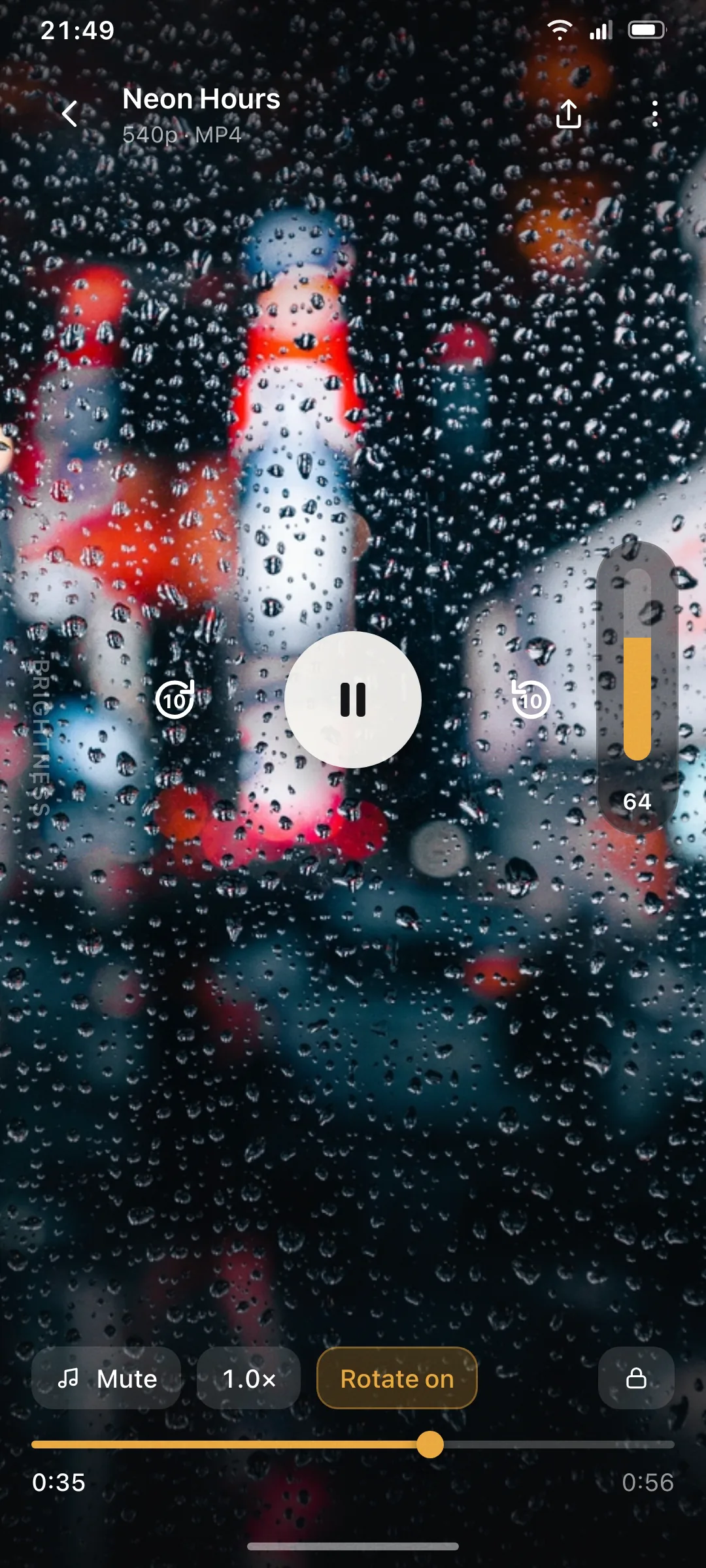
Seek, change speed, rotate, mute, and adjust brightness or volume with familiar gestures.
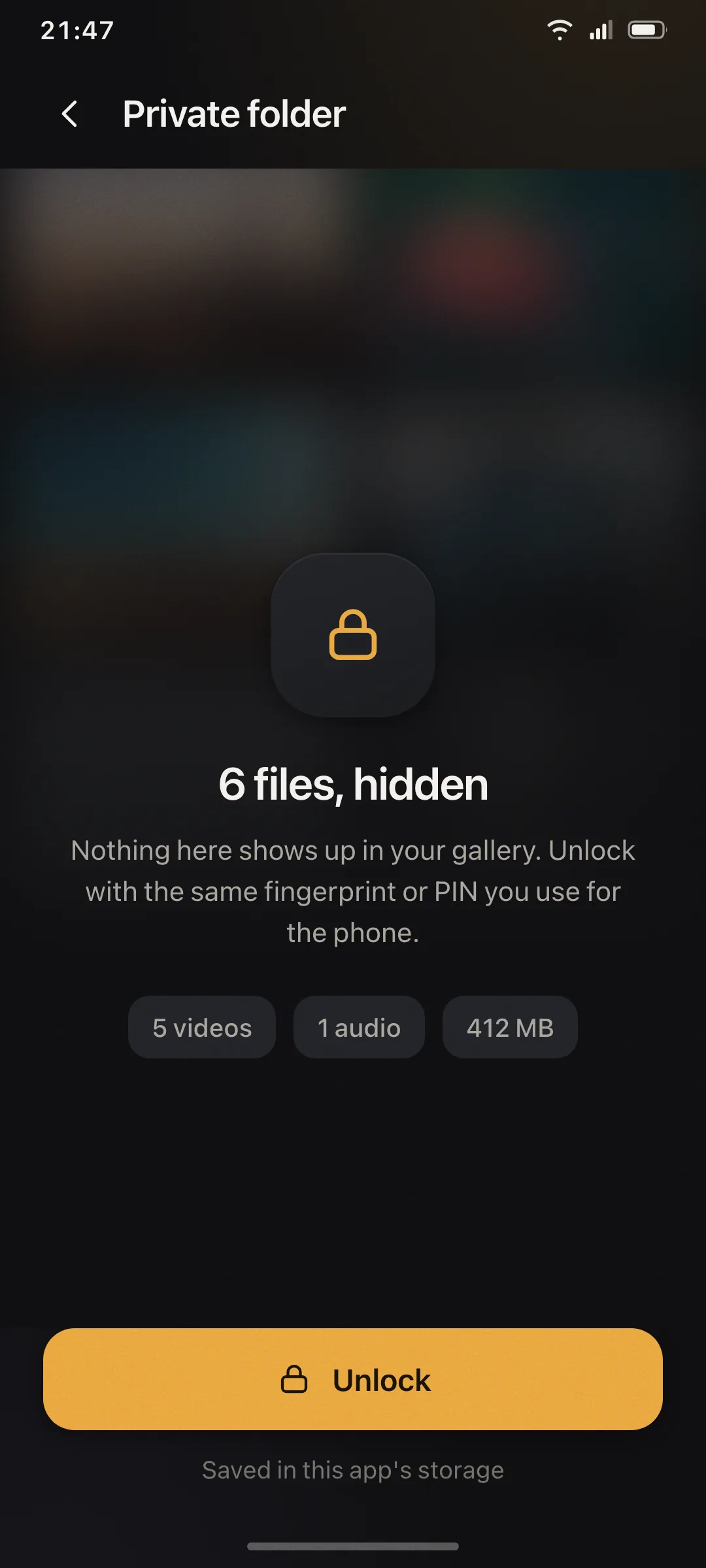
Private Folder
Move selected files into app-private storage and unlock them with the same biometric or credential used for your Android phone.
Private Folder files are excluded from the app's Android cloud backup and device transfer rules.
The app blocks YouTube download requests because the platform's terms do not permit this use.
No account required. Get Video Downloader for Android from Google Play.